Features | BDD Test Management & Execution Tracking
Everything you need to manage test scenarios—BDD, search, and traceability in one tool. Built for QA engineers and teams who want a modern, focused workflow.
Who is Gwirian for?
Built for QA engineers, QA leads, and teams doing BDD or regression testing. Self-hosted or hosted—free to get started.
Scattered across docs or spreadsheets? One place, up to date, searchable.
BDD scenarios ready for release
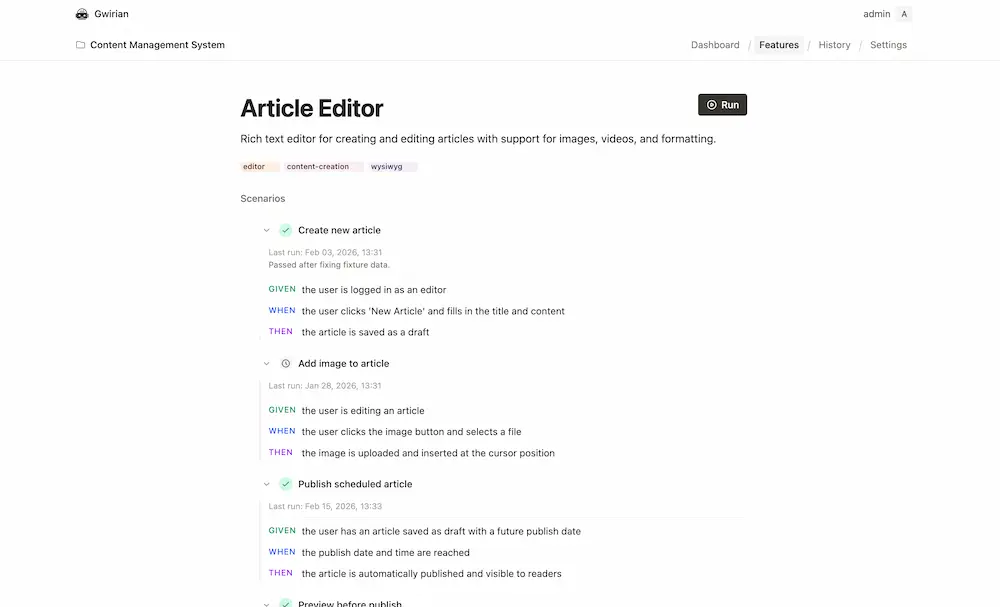
Create and edit scenarios without page reloads. A responsive interface that stays out of your way so you can focus on writing and running great tests.
- No page reloads—smooth updates
- Responsive and accessible
- Built for QA productivity
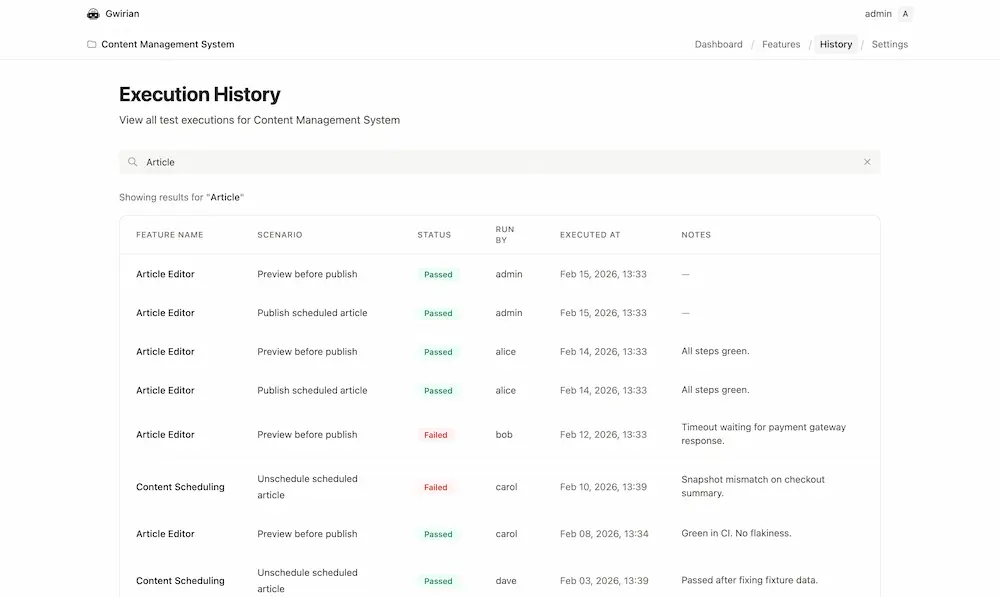
Full scenario execution history
View every test run for the project in one place. Full-text search across feature name, scenario title, user, status, and notes so you can find who ran what, when, and whether it passed or failed.
- Full-text search over feature, scenario, user, status, and notes
- Complete history of runs with date and who ran them
- Pagination and sort by date (latest first)
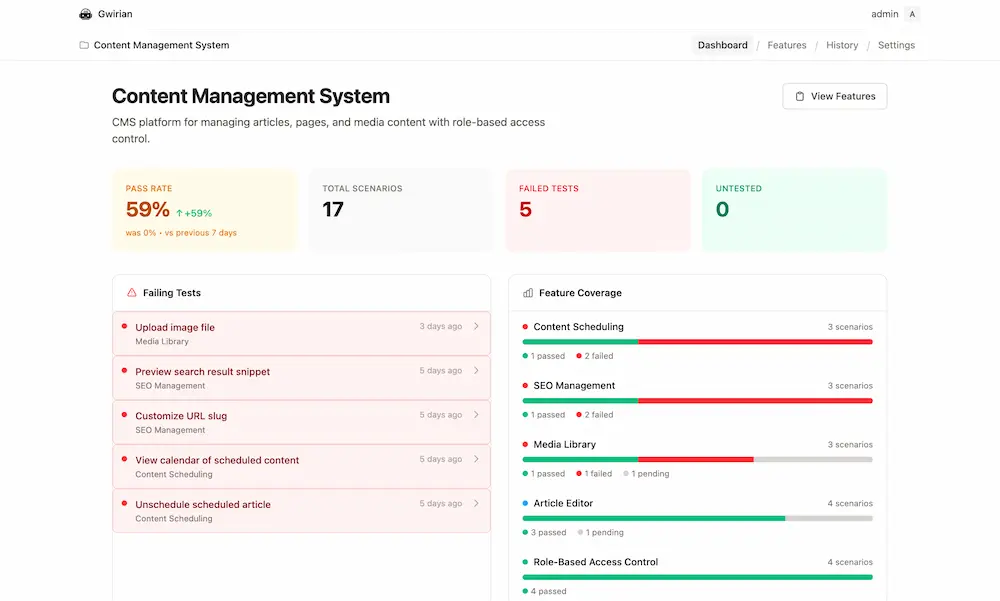
Project dashboard at a glance
See pass rate, total scenarios, failing tests, and untested counts on the project dashboard. Feature coverage and execution trends over 30 days help you spot gaps and track quality over time.
- Pass rate, total scenarios, failed and untested counts
- Feature coverage: passed, failed, and pending per feature
- Execution trends and recent runs in one view
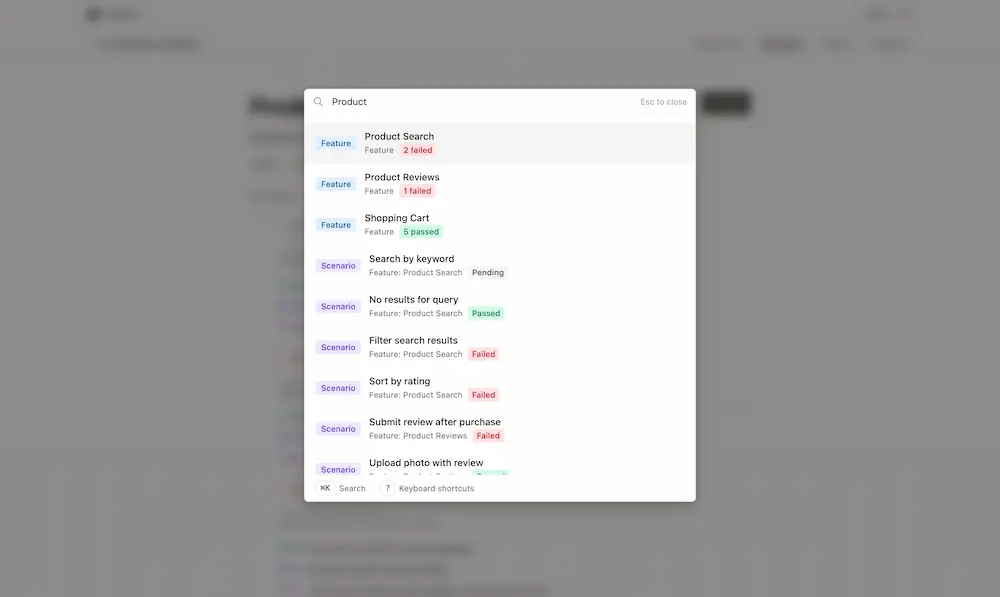
Global panel: search and navigate with ease
One central panel gives you instant access to everything: full-text search across projects and features, quick navigation between sections, and a clear overview of your workspace. Find any scenario, jump to any project or feature, and stay in flow.
- Full-text search across projects, features, and scenarios
- Quick navigation with keyboard shortcuts (G-nav and ? overlay)
- Single place to switch context and discover content
Automation with MCP, API, and gwirian-cli
Drive test execution from your environment using the Gwirian API or MCP server. The gwirian-cli lets you list projects, features, and scenarios from the terminal; an LLM can orchestrate it with Playwright CLI to run scenarios in the browser and record results back to Gwirian—automation without leaving your editor. See our step-by-step guide to set it up.
- gwirian-cli: list and manage projects, features, scenarios from the terminal
- MCP server or REST API for AI assistants (Cursor, Claude, etc.)
- LLM + Playwright CLI: run scenarios in the browser, record pass/fail via MCP
Frequently Asked Questions
- Does Gwirian support BDD (Given-When-Then)?
- Yes. You write scenarios in familiar BDD syntax, organize them by feature, and track execution. See our Blog for BDD best practices and workflow tips.
- Can I self-host and use the API?
- Yes. Self-hosting is free forever. The REST API and MCP server let you integrate with your tools and automation.
- Who is Gwirian for?
- QA engineers, QA leads, and teams doing BDD or regression testing. Self-hosted or hosted—free to get started.
Host your data on your own infrastructure, or use our hosted app. REST API to integrate your tools. Magic link—no password to manage.